

Analytics studio
Medusa Analytics Studio: sales reports, dashboards, a live view and a read-only SQL editor for the Medusa Admin.


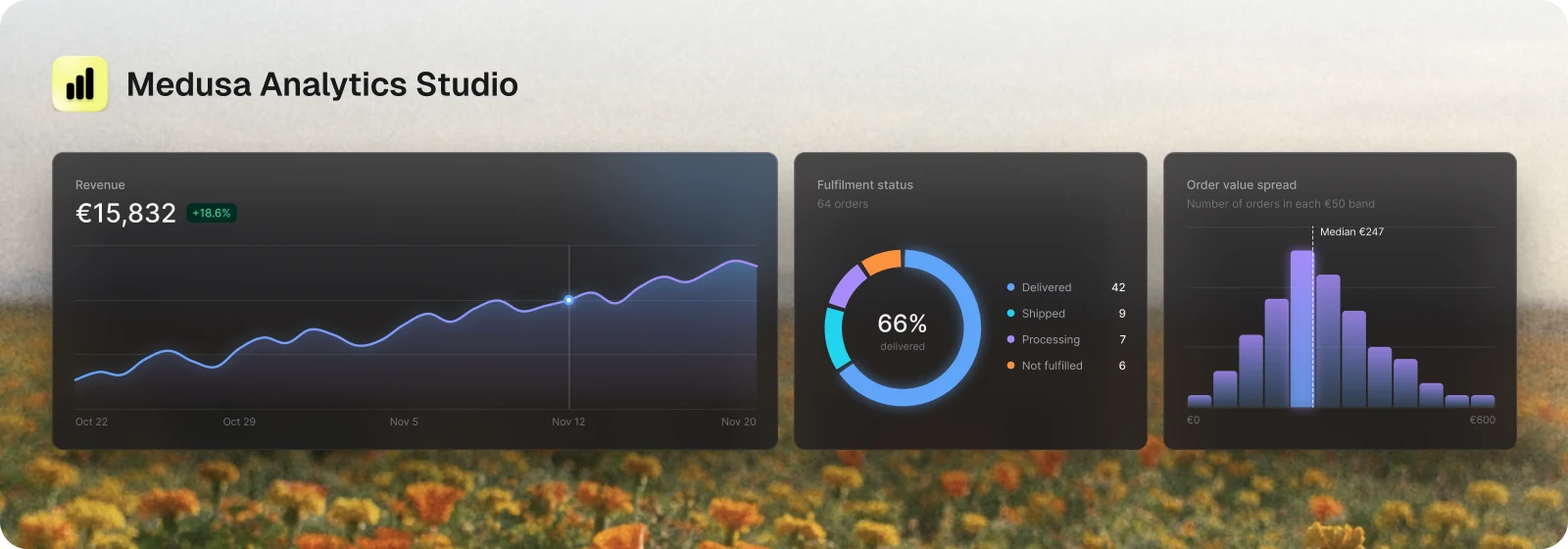
Medusa Analytics Studio
Sales reports, dashboards, a live view and a read-only SQL editor for the Medusa Admin.


Features · Install · Options · Reporting views · Query language · Safety
· Analytics for the Medusa Admin: sales reports, a customisable dashboard, a live view of today's orders and an optional read-only SQL editor. Reports read from pre-computed sales facts, not raw orders, on their own read-only connection pool, so they never slow down checkout.
|
Built by 306 Technologies Medusa & headless commerce experts. Senior-led engineering, accelerated by AI. 


|
Features
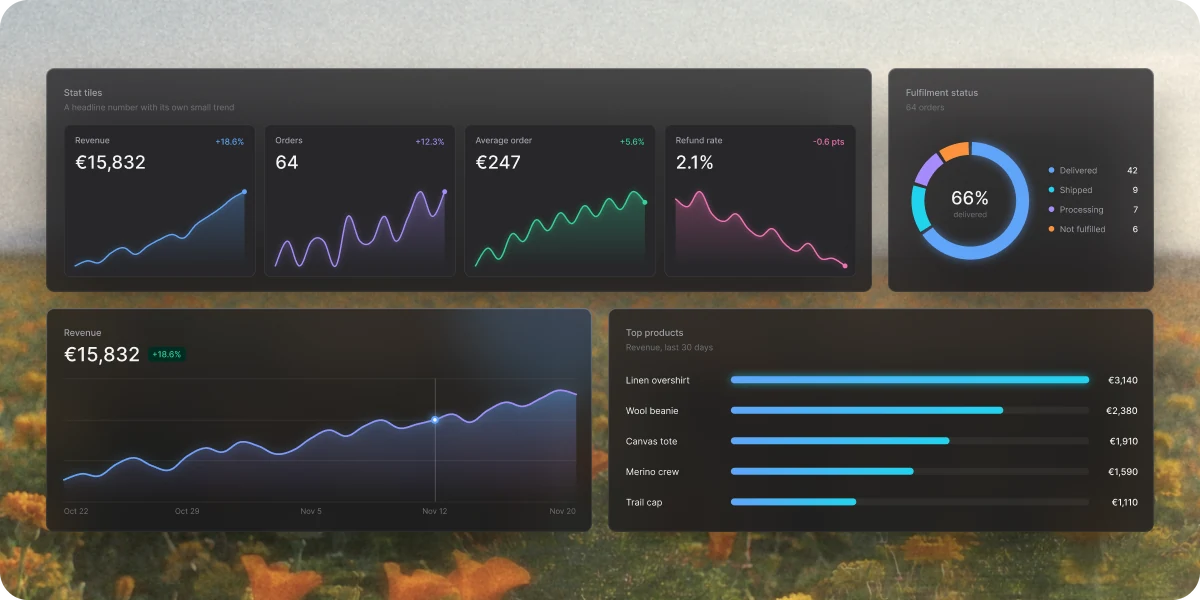 Dashboard |
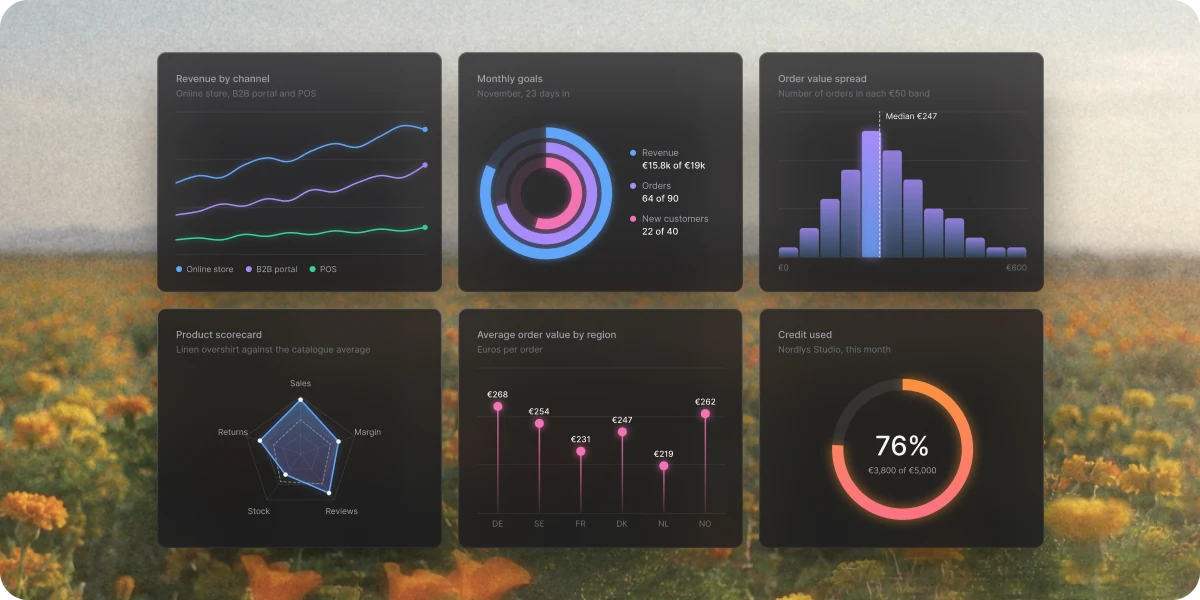 Reports |
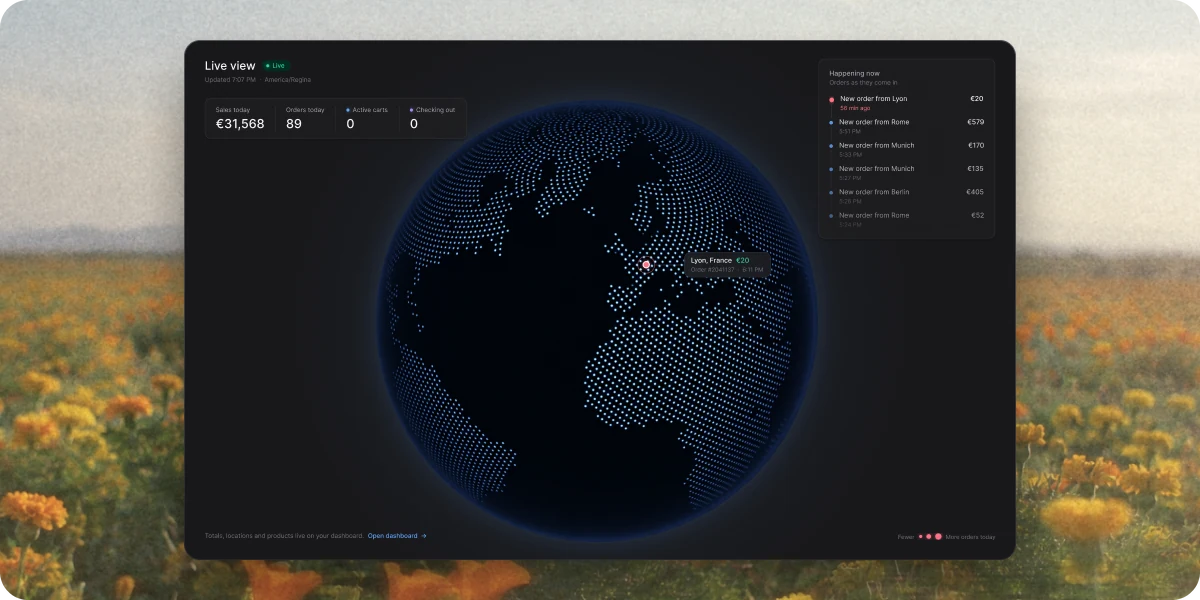 Live view |
 SQL mode |
- Dashboard: drag-and-drop tiles, each a saved report with its own chart.
- Reports: built-in reports and your own, written in a small query language with a visual editor and 19 chart types.
- Live view: today's orders, active carts and checkouts on a globe, refreshed every 10 seconds.
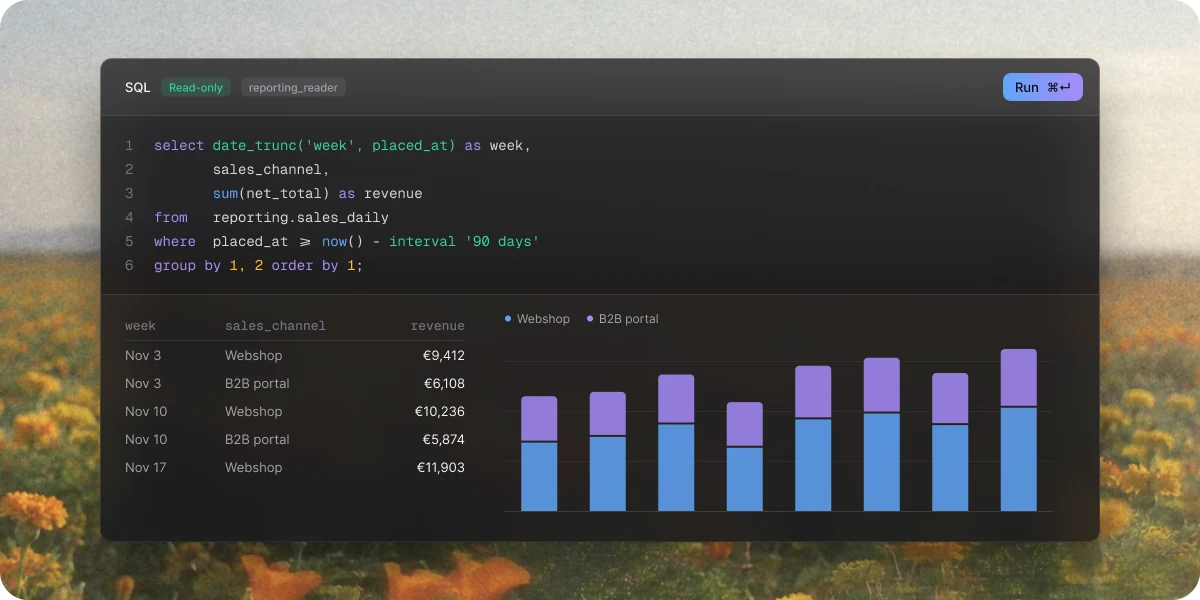
- SQL mode (optional, off by default): admin-written SQL over curated reporting views, as a restricted read-only Postgres role.
- Sales facts: per-order and per-line facts plus daily rollups, kept current from order and refund events, with currency conversion and a store-wide reporting timezone.
- Read-only by design: see Safety.
Requirements
- Medusa . All packages must be on the same version as the plugin's peer dependencies.
- PostgreSQL (tested with 16).
- Redis recommended in production (): report caching, queued events and one-instance-at-a-time jobs.
Install
1. Add the package
2. Register the plugin
Register the plugin, then list its modules under so each one gets its own options. A plugin's would otherwise go to every module alike.
SQL mode stays off until you set and . It runs on the replica in , or on the primary only with . TLS is on unless you set (for example, a local database without TLS). Add the names to your :
3. Migrate and start
Then run the migrations and start Medusa:
Large store? On a large store (hundreds of thousands of orders or more), build the analytics indexes on and without blocking checkout before the first ; the migration then finds them and does nothing:
First run: the first backfill of sales facts runs within five minutes of boot. Until it finishes, reports show that they are still filling.
4. Set your reporting timezone
Reports decide which day (and hour) an order belongs to using one store-wide reporting timezone. It starts as , so an order placed at 11pm in New York lands on the next day.
Set it once in Settings → Store → Reporting timezone to the timezone you run the business in. It applies to every admin user and every report.
Changing it later is safe:
- Facts rebuild in the background in the new timezone, within a few minutes (longer on a large store).
- Until the rebuild finishes, reports keep the old timezone and show a "Switching to …" notice.
- Past days are re-split, so daily numbers shift. Totals over a period don't change.
Options
| Option | Default | Description |
|---|---|---|
| the main database | Where reports read from, for example a read replica. | |
| when is not the main database. Requires . | ||
| Most connections the report pool may hold. | ||
| Postgres cancels any report query running longer than this. | ||
| TLS for the report pool. Encrypts, but does not verify the server certificate. |
| Option | Default | Description |
|---|---|---|
| Run the backfill, drain, reconcile and exchange-rate jobs. Set on instances that should leave them to another. | ||
| Frankfurter's public API | A Frankfurter-compatible URL for exchange rates, or . | |
| the shared connection | Medusa module database options, to give the facts their own small pool. |
| Option | Default | Description |
|---|---|---|
| The host refuses writes (for example a public demo): the admin keeps saved reports and the dashboard in the browser. |
SQL mode stays off unless is explicitly , a password is set, and the role and replica checks pass.
| Option | Default | Description |
|---|---|---|
| required | turns SQL mode off whatever else is set. | |
| none | Password for the role: at least 16 printable ASCII characters, no spaces. | |
| none | The read replica SQL mode runs on. | |
| Run on the primary when there is no replica. | ||
| none | The primary, where the role and its grants are set up. | |
| none | Views the role may read: names, or . | |
| Connections per instance. | ||
| The role's connection limit. | ||
| required | TLS for SQL-mode connections. Encrypts, but does not verify the server certificate. |
When the app's database user can create roles, the role is set up at boot. Otherwise add this one-line script to your app, so the command the admin suggests has a stable path:
Then print the statements for a database admin:
The output holds the password's SCRAM verifier: treat it as a secret. Use a random password of 32 or more characters.
Add your own views
SQL mode reads only views in the schema, so data from your own modules (loyalty points, subscriptions, B2B accounts) needs a view there. The plugin ships and . Build yours with the same helper, in a migration of one of your app's modules:
- creates the schema if needed, then with your , and the view and column comments. The SQL editor shows those comments in its views panel.
- and column names: lowercase letters, digits and , starting with a letter, at most 63 characters.
- is one (or ). A trailing is dropped.
- The view runs with its owner's rights, so it may join any table, and SQL mode sees only the columns you select. Leave out customer details (emails, names, addresses) unless admins should query them.
- can only add columns at the end. To rename, remove or reorder columns, call first in the same migration.
Then:
- Run .
- Add the view to (, or a prefix such as ). A view that isn't listed shows as "Not enabled yet" in the views panel, and SQL mode can't read it.
- Restart the app. Grants are applied at boot, on the primary: the role is granted on each listed view and loses access to every other view in the schema. Running the script without applies them too.
On a streaming read replica, the views and grants arrive by replication. They don't need to be created there.
Query language
- Metrics: , , , , , , , , , , , , , , , .
- Dimensions (up to two): , , , , , , , , , , .
- Dates: , , , , , or .
- Compare: or .
Reports can also be run without HTTP:
Safety
Reports cannot write to your database. Each layer holds on its own:
- The query language accepts only its own clauses and listed metric and dimension names. The server builds the SQL; values are bound parameters.
- Every report query runs in its own transaction that starts with a local statement timeout, so nothing a query does to the session can make a later one writable.
- The reader runs only a single or statement with no write keywords, and refuses functions that could change the session, take locks or reach outside the database.
- Every report connection is opened with , and one whose setting cannot be confirmed is discarded.
SQL mode runs as a role that can read only the listed views, inside a read-only transaction with a statement timeout and a row cap. It turns itself off if the role can read anything else, or create objects on the primary.
The plugin does not refuse writes for a public demo by itself. Pair with your own write guard.
Admin
- Analytics Studio in the sidebar, at : dashboard, reports, live view.
- SQL at , only when SQL mode is on.
- Reporting timezone widget on the store details page (see step 4).
Development
Generate migrations for a changed model with .
Every change needs an entry in CHANGELOG.md, and releases follow Semantic Versioning.
Issues and pull requests are welcome at github.com/306-Technologies/medusa-analytics-studio. Accepted changes are applied upstream and released from there, so a merged pull request appears in the next release.
Links
- Website: 306technologies.com
- Book a call: 30 min with 306 Technologies
- Email: info@306technologies.com
License
MIT © 306 Technologies