Announcing the Production-Ready Medusa DTC Starter by Gorgo
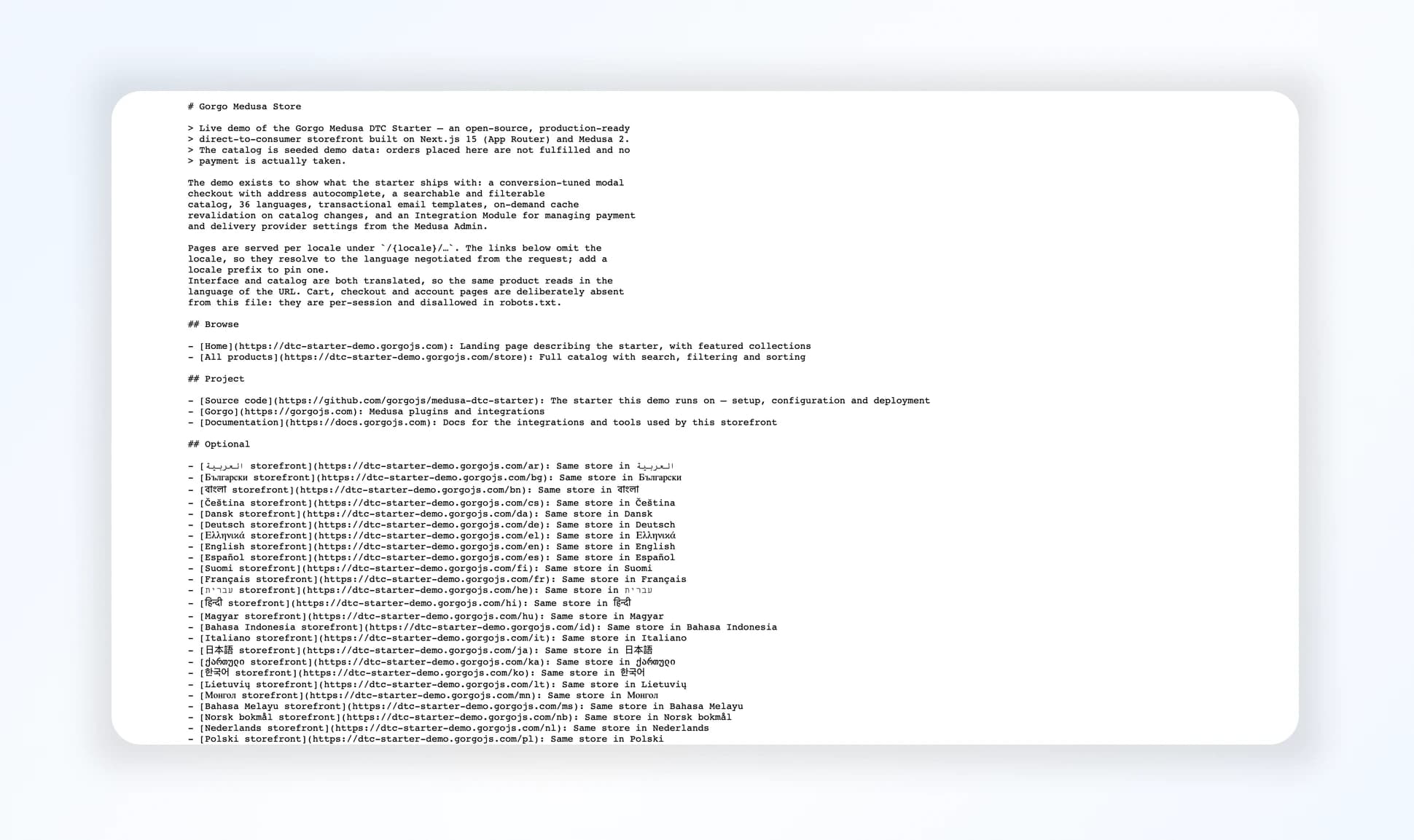
A Medusa backend and a Next.js storefront for a turnkey DTC or B2C store: a conversion-focused checkout, full localization in 36 languages, 241 countries for your sales regions in the seed script, SEO with an llms.txt endpoint, and plugins and providers you configure straight from the Admin through the Integration Module already wired in.

We have used the official Medusa DTC Starter in our own projects many times, and brought it to production quality.
Today we are shipping ours. It is two applications, a Medusa backend and a Next.js storefront, wired together and already configured. The code is in the repository, the store is running in the live demo, installation and configuration are covered in the documentation, and there is a short overview on the starter page. MIT licensed.
The Gap in the Official Starter
The official starter gets a store running, but it lacks what separates a demo from a store in production. Every developer fills that in alone: reworks the checkout page, localizes the store and its products, wires up transactional emails, adds cache revalidation, sets up SEO. We did that work across several projects and put the experience into a starter, so other developers don't have to take the official one to production on their own.
What's Inside
Everything the official starter ships, plus what follows. Each of these is configured and works on the first install.
Conversion-Focused Checkout
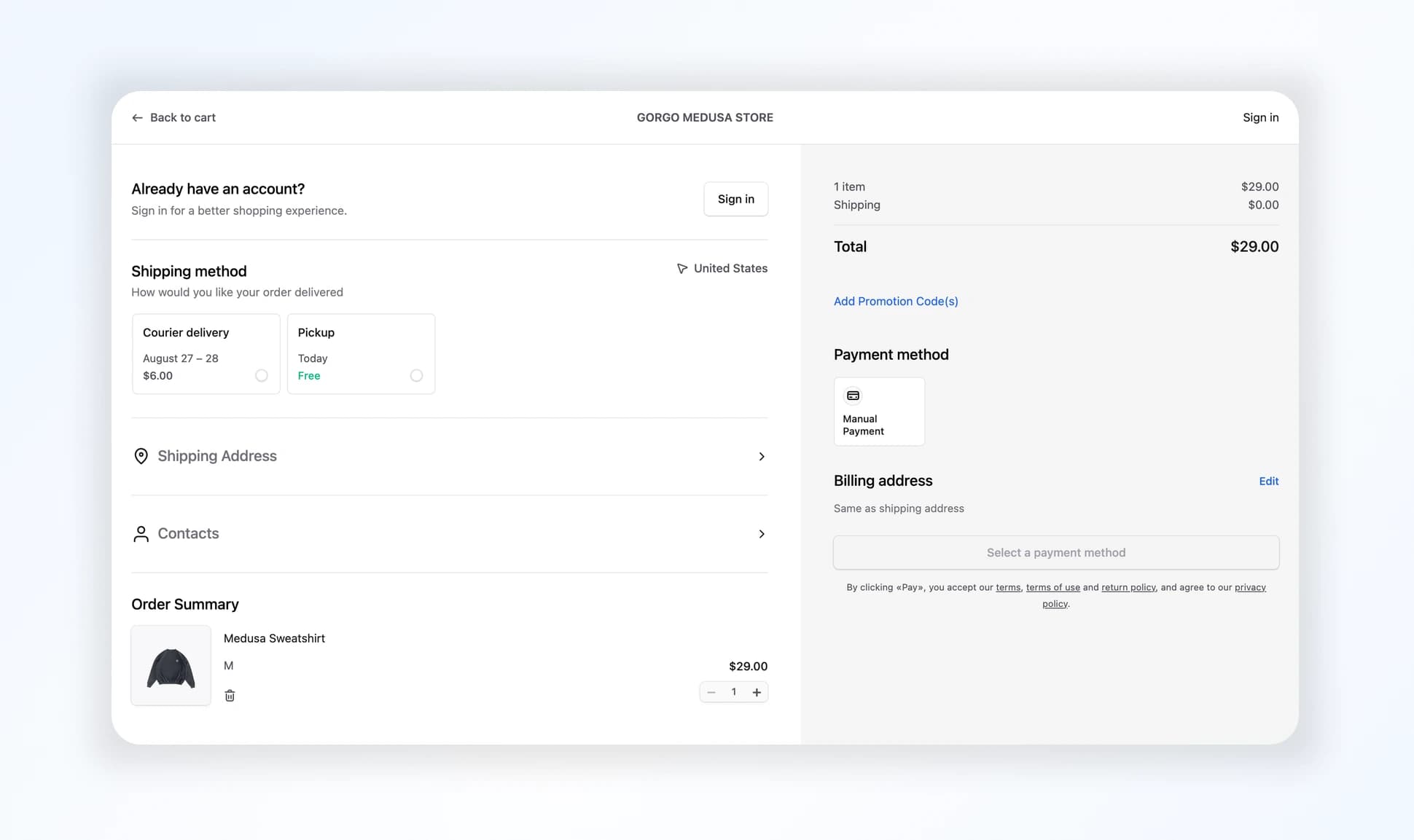
The buyer fills in contact details and the address in modals. There are no long forms, unlike the official starter. The design follows the Yandex KIT checkout. The Yandex team built on the Shopify checkout, once treated as the industry benchmark, and fit the whole flow onto one concise screen.
Address Autocomplete
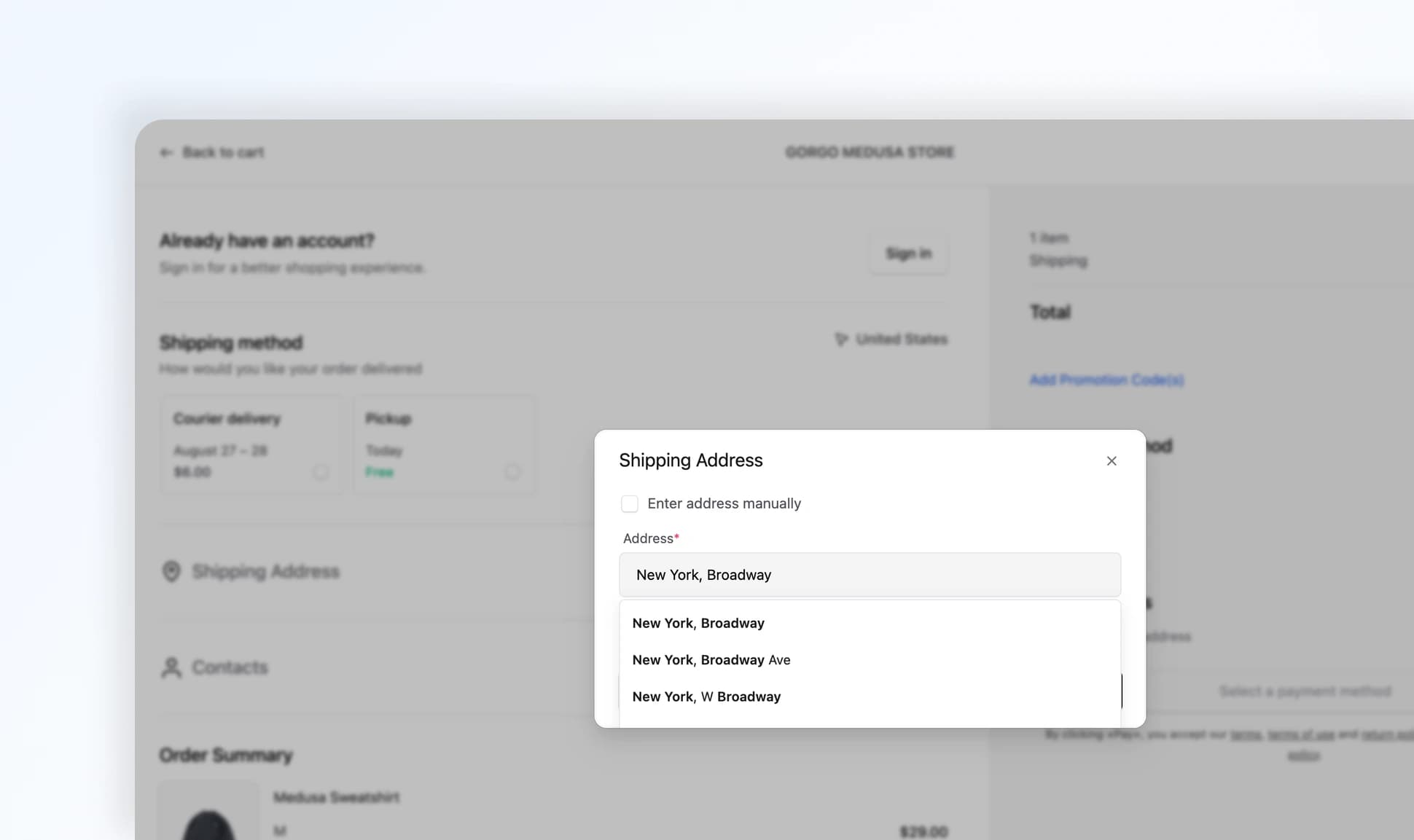
The address field suggests options as you type. Picking a suggestion fills in the postal code, city, and region. DaData ships built in, and any other provider plugs into the same interface. When the address is not in the suggestions, the buyer switches to entering it by hand. Set Up Address Autocomplete documentation covers connecting your own.
Full Localization
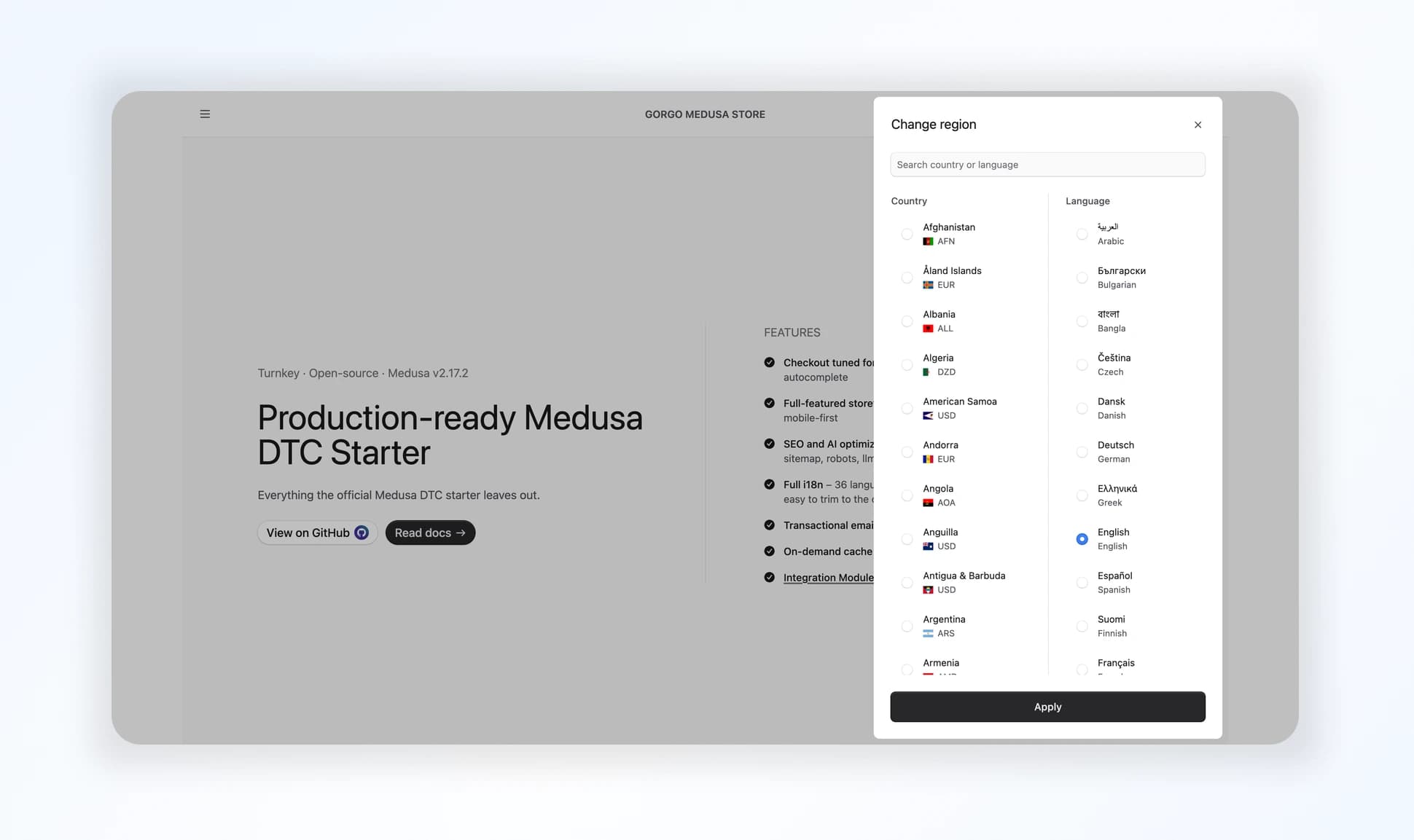
36 storefront languages with RTL support, and 241 countries for your sales regions. The seed script creates them, and the extras come out in its data files. Each region carries its own currency, stock location, and shipping options, so trim the list to the regions you actually sell in before launch. Customize Seed Data documentation has the details.
On the first visit the storefront detects the buyer's country by GeoIP and opens the matching region, as Set Up Country Detection documentation explains.
Catalog Search and Filters
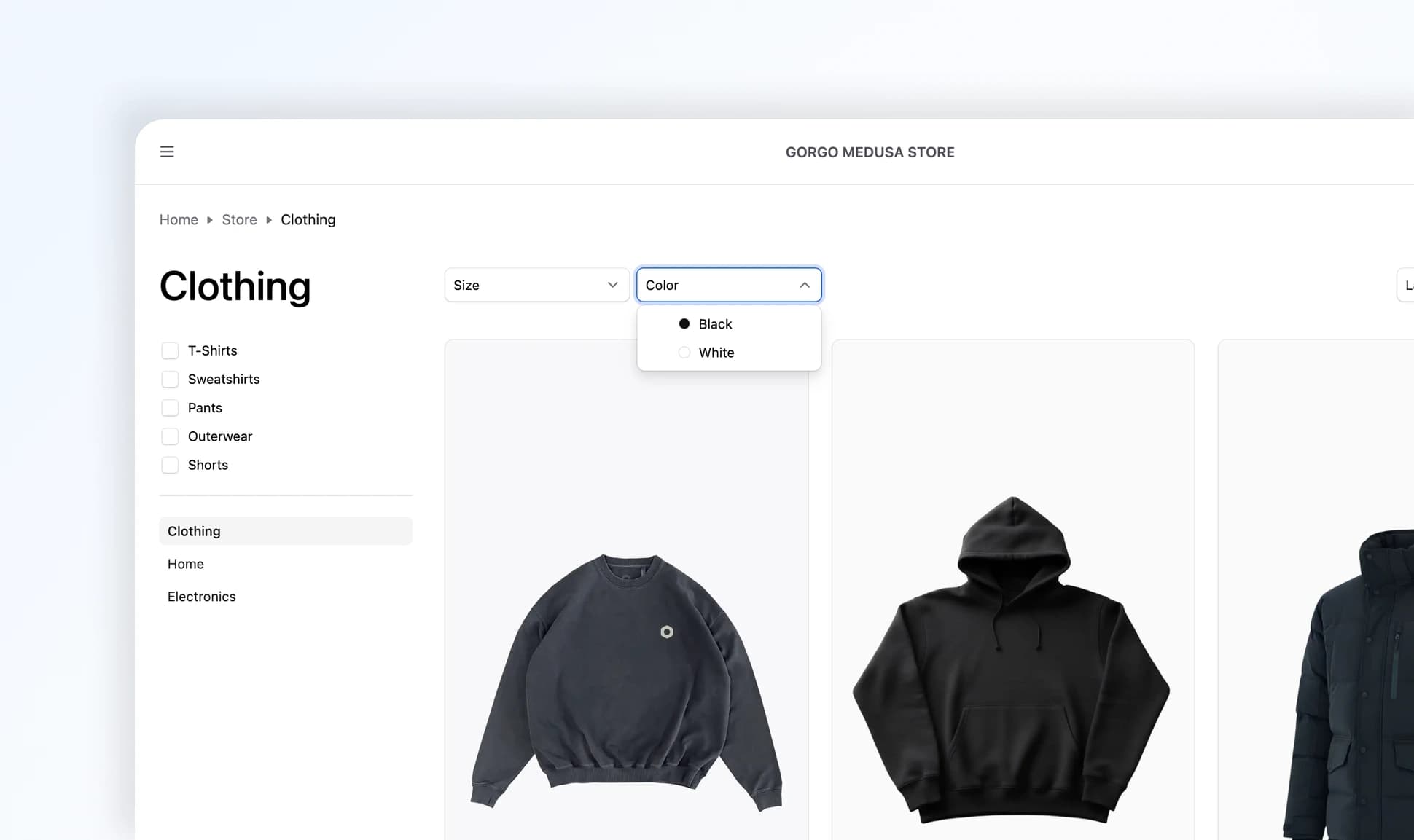
Product search runs on the Store API and highlights matches, and once the catalog grows a dedicated engine such as Meilisearch takes its place. Filters by product option, sorting by price and newest, categories and subcategories in the sidebar, and a bottom sheet on mobile. Selected filters live in the URL, so a curated selection can be shared as a link. The design borrows from the catalog of fashion brand 12 STOREEZ.
Transactional Emails
A custom SMTP notification provider sends React Email templates through . Emails go out on customer, order, fulfillment, and payment events, each handled by its own subscriber.
On-Demand Cache Revalidation
When something changes in the catalog or the translations, a backend subscriber posts a webhook to the storefront. The storefront revalidates only the pages the change touches, along with and . Nothing rebuilds the whole site. See what revalidates in the receiving Storefront API.
SEO and AI Crawlers
The sitemap lists every catalog URL in all 36 locales, and keeps crawlers out of the cart, checkout, and account. Catalog pages carry a canonical URL and hreflang alternates for every locale, and Open Graph and Twitter images are set. An endpoint serves the catalog to AI crawlers.
Integrations Configured in the Admin
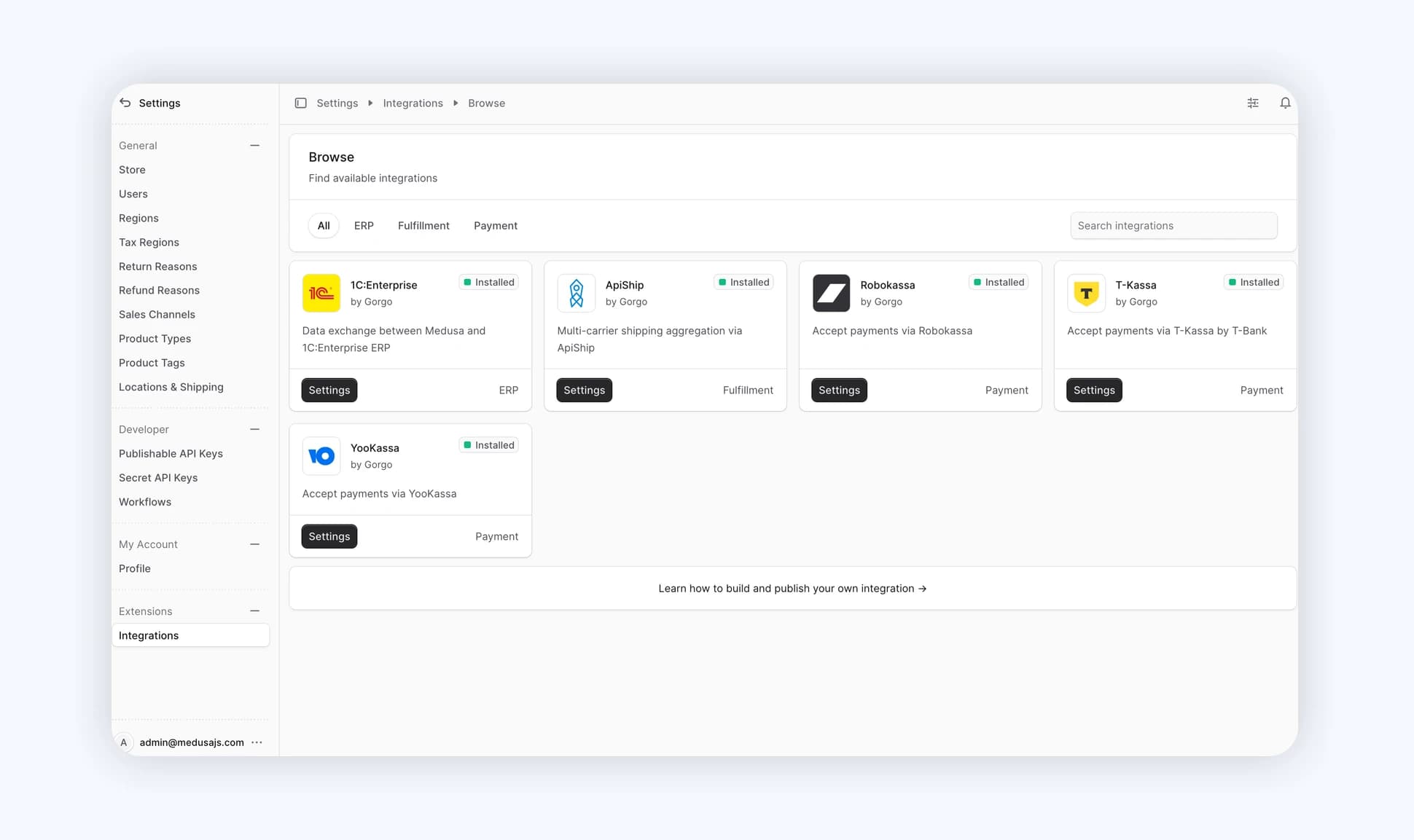
A payment provider's API keys and a carrier's settings belong to the store administrator in the Admin, not to a developer in the code. The Integration Module provides the Settings → Integrations section for exactly that, and takes on storage, validation, and secret encryption. The starter already registers it in , so all that is left is to add a provider from the integrations catalog and fill in the settings.
Getting Started
Scaffold the project with the Medusa CLI. You need Node v20 or later and PostgreSQL 15 or later, Redis is optional in development.
npx create-medusa-app@latest --repo-url https://github.com/gorgojs/medusa-dtc-starterscaffolds from this repository instead of the official starter. The command also runs migrations, creates an admin user, and seeds the database.
Or clone the starter repository and set up the backend and the storefront separately. Both routes and the troubleshooting notes are in Getting Started with Medusa DTC Starter.
What's Next
From here we keep the starter current, sync it with the official one, and move it to new Medusa releases. The integrations catalog keeps growing, and we will add new providers to the starter.
Tell us what you are missing. Join the discussion in the Medusa Telegram community, or open Issues and Pull Requests on GitHub.


